

 |
|||
 |
 |
||
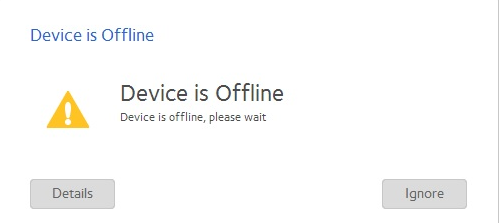
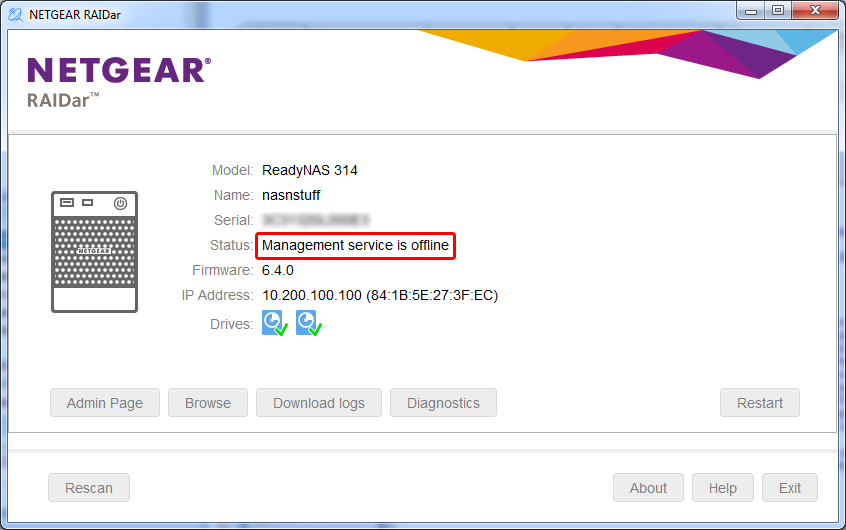
If you've had messages like those mentioned above, the following articles may be able to assist you in resolving a problem.
Help Articles
- How do I recover a lost or forgotten administrator password on my ReadyNAS OS 6?
- ReadyNAS OS 6: Admin Page is offline
- How do I configure password recovery on my ReadyNAS OS 6?
- ReadyNAS Admin Page Browser Incompatbility
- Cannot access the shares on my ReadyNAS OS 6 storage system
- How do I access my ReadyNAS OS 6 storage system after installing it on a Local Area Network (LAN)?
- I can no longer access my ReadyNAS OS 6 storage system after moving Local Area Network (LAN)
- ReadyNAS OS 6 failing to boot
- How do I manage my email alert contacts on my ReadyNAS OS 6 storage system?
- How do I restore default file and shared folder access rights on my ReadyNAS OS 6 storage system?
- ReadyNAS OS 6: USB drive is mounted as read-only
- ReadyNAS OS 6: Disk Failure Alerting
Recovery Tools
- RAIDiator 4.1: USB Recovery Tool
- RAIDiator 4.1: TFTP Boot Recovery
- RAIDiator 4.2: USB Recovery Tool
- ReadyNAS OS 6: USB Recovery Tool
Last Updated:07/07/2025
|
Article ID: 29792