

This document outlines reasons your ReadyNAS Admin Page is not accessible due to outdated browsers or OS version.
Not what you're looking for? Return to the ReadyNAS Not Accessible FAQ.
Browser compatibility:
If you are using an older web browser it may no longer be compatible with the ReadyNAS. When accessing the ReadyNAS Admin Page you may see an error message similar to those shown below;
Using an old outdated browser, for example Internet Explorer 8
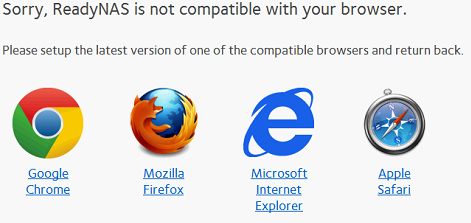
Check the version of your web browser and ensure it is running the latest version.
Supported browsers for use with the ReadyNAS Admin Page:
Google Chrome
Mozilla Firefox
Internet Explorer 11
Microsoft Edge
Apple Safari
Outdated ReadyNAS firmware/OS version:
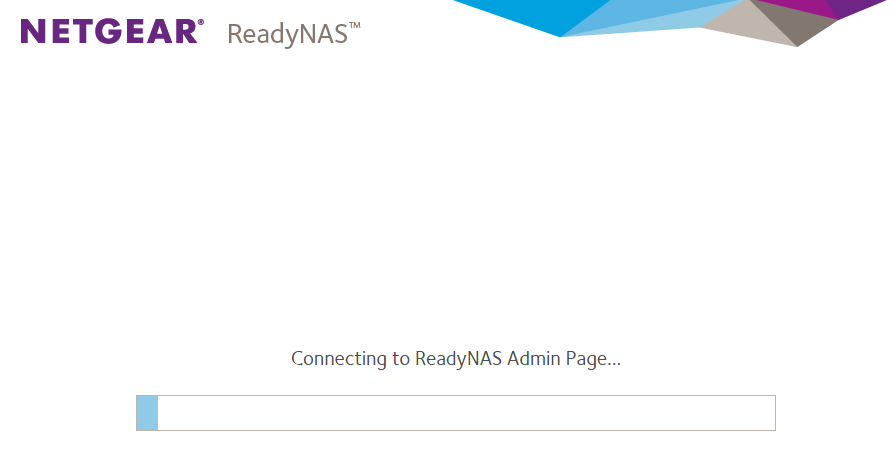
If you are using an up to date browser and still cannot access the ReadyNAS Admin Page you may be running an outdated version of OS on your ReadyNAS.
When accessing the ReadyNAS Admin Page on an up to date browser you may see either of these messages appear in your browser

Proceed to check the version of firmware running on your ReadyNAS by using the RAIDar tool
Run RAIDar on a PC which is connected into the same Local Area Network as the ReadyNAS.
Firmware: will show the current installed firmware version.

If your ReadyNAS is running an old firmware it is advisable to upgrade the firmware to the latest version. The latest firmware version for your model ReadyNAS can be found at the ReadyNAS downloads
Should your ReadyNAS require a firmware upgrade you should install an alternative browser from the supported browser list in order to access the ReadyNAS Admin Page, from where you can then upgrade the firmware. Once you have upgraded the firmware you can return to use your preferred browser.
There are two methods to perform the upgrade, Local upgrade and Remote upgrade.
ReadyNAS OS 6: Updating Firmware