

With your customized free URL, you can use FTP to access your network when you aren’t home through Dynamic DNS. To set up your FTP server, you must register for a free NETGEAR Dynamic DNS (DDNS) service account and specify the account settings in the router’s Dynamic DNS screen.
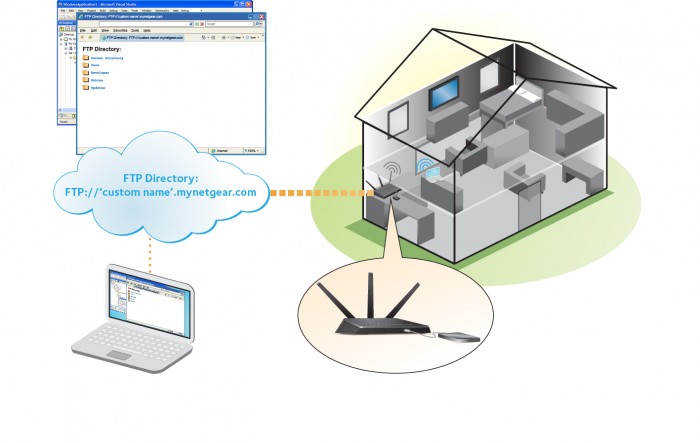
Note: Product appearance varies by model. The router supports only basic DDNS, and the login and password might not be secure. You can use DDNS with a VPN tunnel for a secure connection.
To set up your personal FTP server account and use FTP:
- Get your free NETGEAR Dynamic DNS domain name.
- Make sure that your Internet connection is working.
Your router must use a direct Internet connection. It cannot connect to a different router to access the Internet. - Connect a USB hard disk drive to a USB port on the router.
- Set up FTP access in the router.
For more information, see How do I set up FTP access through the Internet so I can access the USB drive attached to my Nighthawk router?. - On your WAN PC, you can FTP to your router using ftp://yourname.mynetgear.com.
Last Updated:10/17/2025
|
Article ID: 23845