

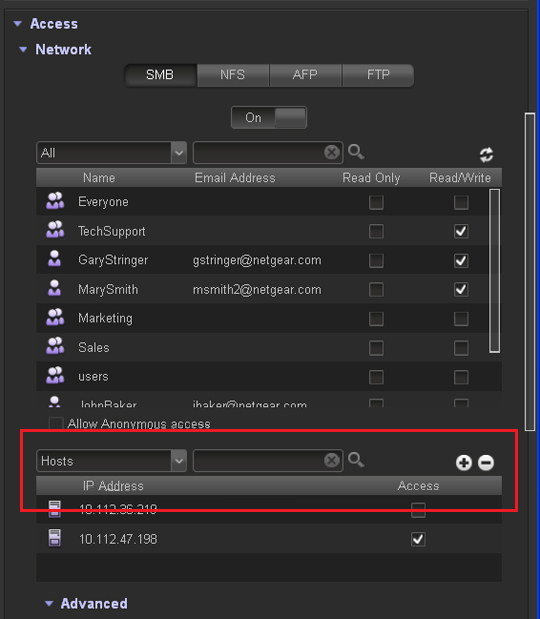
The following figure shows the Network section on the Properties pane of a share:
To remove a host:
1. Select the host from the table by clicking it.
2. Click the - button ( ).
).
3. Confirm the removal.
Last Updated:07/07/2025
|
Article ID: 23584