

This article describes the conditions to check if you see the following error when accessing the web interface of your ReadyNAS OS 6 device.
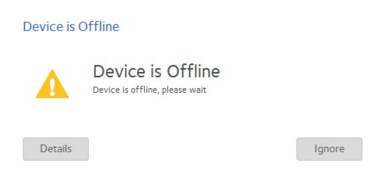
There are a number of possible solutions to fix this problem.
- Update your browser.
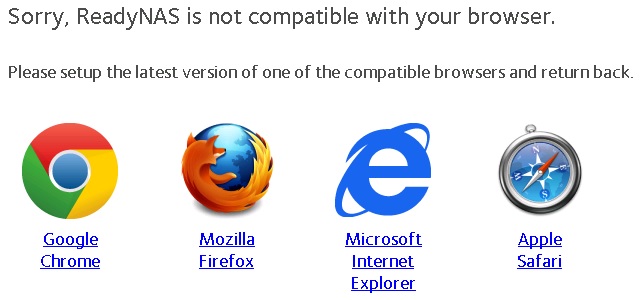
For example: Internet Explorer 6, 7, and 8 are not compatible with the ReadyNAS. Update to the latest version of your browser to resolve the problem.
With newer versions of the ReadyNAS OS, if you are using one of the older incompatible browsers (such as IE8), you see the following screen instead of the Device is Offline error.
Once you have access to the web interface again, update your ReadyNAS to the latest OS for better error reporting.
- Clear your browser cache.
After you clear your browser cache, close and then restart your browser. Try to access the web interface again.
If the problem remains, contact support.