

NETGEAR has identified an issue that may cause the ReadyNAS admin page to become inaccessible in OS version 6.2.4 and earlier.
Symptoms:
After you reboot your ReadyNAS during an ADS import, the Connecting to ReadyNAS Admin Page screen hangs and then returns the error ReadyNAS admin page is offline.
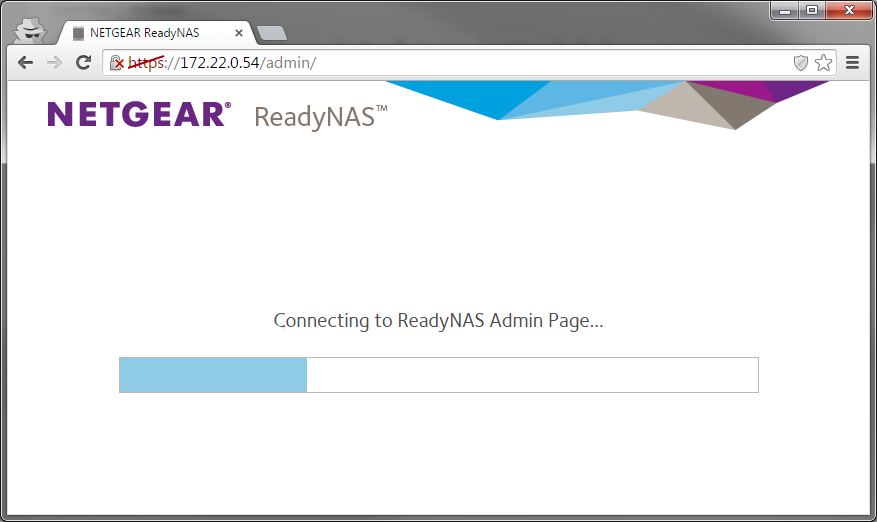
This can occur if the ReadyNAS is rebooted while the system is importing user and group account data from an Active Directory Services (ADS) server. The process of importing user and group account data occurs immediately after a ReadyNAS is joined to the ADS server. If the ReadyNAS is rebooted during this process, there is a small risk (less than 10%) that a system database may become damaged and cause the admin page to be inaccessible.
If you encounter this issue, please contact NETGEAR technical support for assistance.