

- Select System > Settings > Services.
The Services section of the Setting screen displays (the following figure shows the top of the screen only).

- Click the SNMP button.
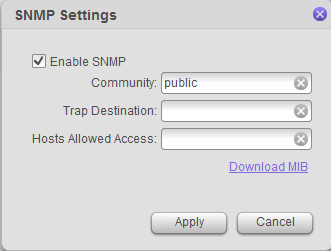
The SNMP Settings screen displays.
-
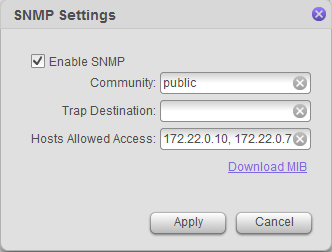
Enter the hosts in the Hosts Allowed Access field. You must use a comma between hosts.
-
Click the Apply button.
Last Updated:10/17/2025
|
Article ID: 28392