

You can remotely view, stream, or download contents of a USB storage device that is connected to your router using your Android device. To use this feature, you need the following:
- Android device
- Live Internet connection
- USB storage device
- Registered NETGEAR router that supports ReadyCLOUD
- ReadyCLOUD account
If you already set up a ReadyCLOUD account and registered your router with your account, read the following procedure.
To use ReadyCLOUD to remotely access your router from your Android device:
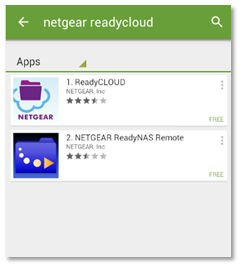
- On your Android device, open the Play Store and download and install the NETGEAR ReadyCLOUD app.
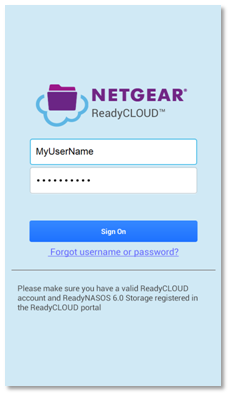
- Open the app and sign in using your ReadyCLOUD account user name and password.
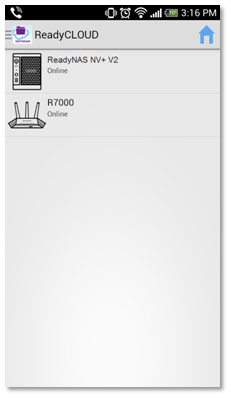
Your router and any other ReadyCLOUD-enabled devices display on the home screen.
Last Updated:07/08/2025
|
Article ID: 27661