

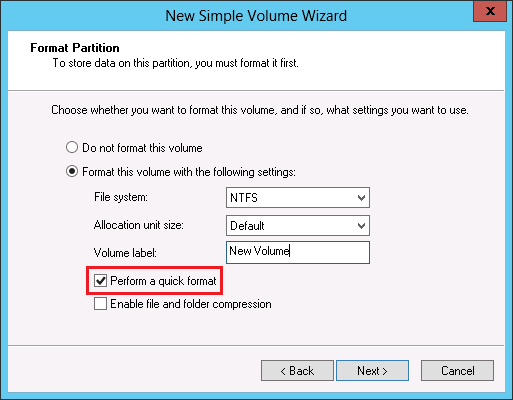
After you connect to a LUN from Windows for the first time, you will need to format it. Windows give you the choice to perform a quick format as shown below:
Below are 2 LUNs. Both are thin provisioned and 10GB in size. One has been quick formatted while the other has been full formatted. Neither has had any data put inside yet.
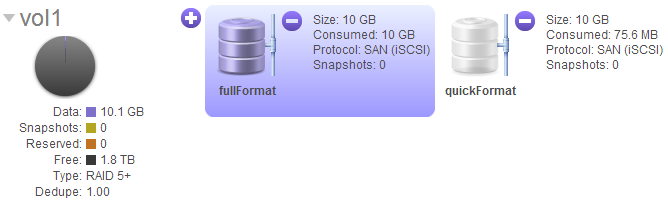
Notice how the fully formatted LUN above appears to be completely full (demonstrated by the LUN graphic being fully shaded in purple)? This is the result of the full format. With a full format, Windows has gone through, checked and written a zero to every block in this LUN and so the ReadyDATA sees the LUN as completely full. However if you look at the LUN from the Windows side, it will report as empty:
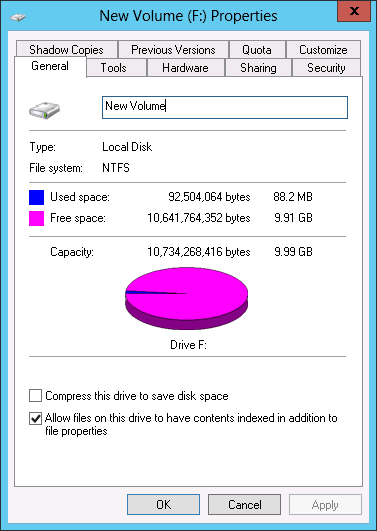
Note: The above is true regardless of whether the LUN is thin or thick.