

The router has status LEDs on top and a USB 3.0 port on the front:
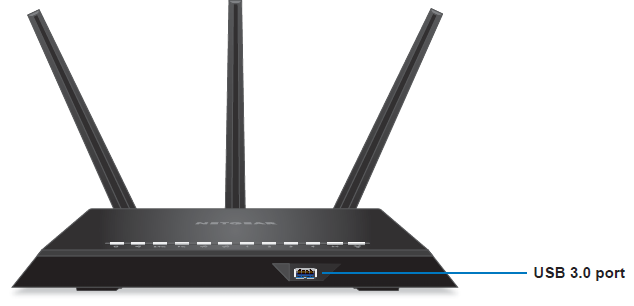
Note: Product varies by model.
|
LED |
Description |
|
|
Power |
|
|
|
Internet |
|
|
|
2.4 GHz Wireless |
|
|
|
5 GHz Wireless |
|
|
|
USB (1 and 2)
|
|
|
|
Ethernet ports 1-4 |
|
|
|
WiFi On/Off button with LED
|
Pressing this button for two seconds turns the 2.4 GHz and 5 GHz WiFi radios on and off.
If this LED is lit, the WiFi radios are on. If this LED is off, the WiFi radios are turned off and you cannot use WiFi to connect to the router. |
|
|
WPS button with LED
|
This button lets you use WPS to join the WiFi network without typing the WiFi password. The WPS LED blinks white during this process and then lights solid white. |


