

A global spare disk is a redundant disk that can automatically take the place of a failed disk in any volume. A failed disk and a spare disk taking over do not need to have the same physical performance characteristics because the replacement is temporary, similar to using a spare tire on a car with a flat tire that needs to be repaired.
IMPORTANT: Having a spare disk takes over after a failure is a temporary solution; replace the failed disk as soon as possible.
To create a global spare disk:
1. Select System > Storage.
The Storage screen displays (see the figure in Step 2).
2. In the graphical enclosure, click the disk or disks that you want to assign as global spare disks.
You can select disks with a black color coding only. The selected disks are highlighted and all volume buttons become available, including the Global spare button under the enclosure:
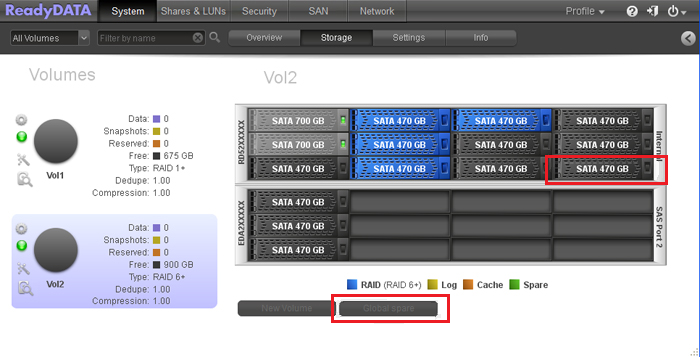
3. Click Global spare.
The color of the selected disk or disks in the enclosure turns green:
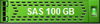
The disk or disks are now available as global spare disks.