

To search for a volume:
1. Select System > Storage.
The Storage screen displays.
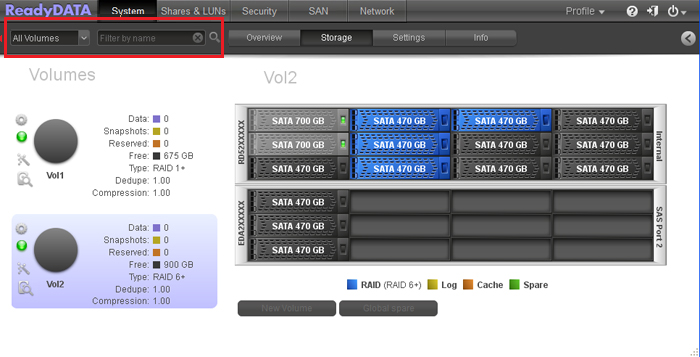
2. Below the navigation bar, select your search criteria in one of the following ways:
-
From the All Volumes drop-down list, select a volume.
-
In the Filter by name field, enter a volume name (you can enter the initial letters of the name). If needed, to the right of the field, click the magnifier glass button to search for the volume.
Last Updated:07/07/2025
|
Article ID: 23535