

WARNING: Deleting a shared folder permanently removes the data within that shared folder, including its snapshots.
To delete a shared folder from a volume:
- Select Shares > Shares
A list of shared folders and LUNs on each volume displays. - Select the shared folder that you want to delete.
- From the pop-up menu that displays, select Delete.

- In the pop-up screen that displays, confirm the deletion by typing DESTROY.
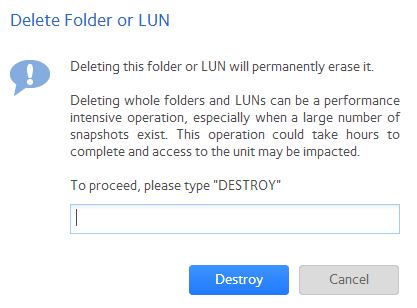
- Click the Destroy button.
The shared folder is deleted.
Last Updated:07/07/2025
|
Article ID: 23167