

If a fan fails, the remaining fans increase to full speed, the information LED on the control panel illuminates, and an email alert is sent to the system administrator. Replace a failed fan as soon as possible. Remove the top chassis cover while the system is still running to determine which fan failed.
Fans are hot-swappable, so you do not need to power down your unit when replacing a fan.
To replace a fan:
1. Remove the chassis cover.
For more information, see the How can I physically access the system interior of my ReadyDATA 5200, EDA2000, or EDA4000?
2. Press the tabs on the sides of the fan to unlock and remove the fan and its housing.
The fan's power connection automatically detaches.
3. Replace the failed fan with an identical fan.
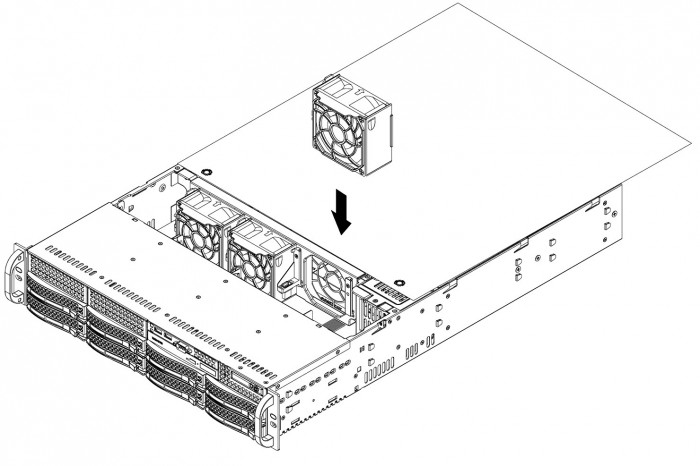
You hear a click when the fan is fully installed and the power connections are made. If the system power is on, the hot-plug feature causes the fan to start immediately upon being connected to its header on the mainboard.
WARNING: Ensure that the chassis cover is in place when the system is operating to allow proper cooling. Out-of-warranty damage to the system can occur if you do not strictly follow this practice.