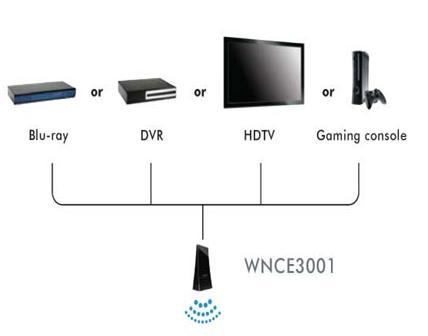
The WNCE3001 wireless adapter is a universal adapter, meaning that it can be used to connect any device that has an Ethernet port to a wireless network, without loading software or drivers.
It is typically used to connect Internet-capable TV's, blu-ray players, and games consoles to a wireless network. It can also be used on computers that are running legacy operating systems (ie. Windows 98) for which wireless adapter drivers are not available.
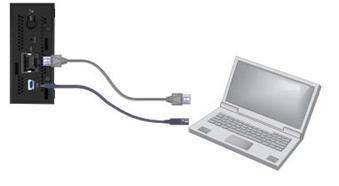
It is powered via a USB port. This can be connected to a 5Vdc wall-plug PSU (supplied), or any spare USB port.
To set up the WNCE3001 universal wireless adapter:
Step 1:
Connect the WNCE3001 to your computer using an Ethernet cable and one of the power connection options.
Step 2:
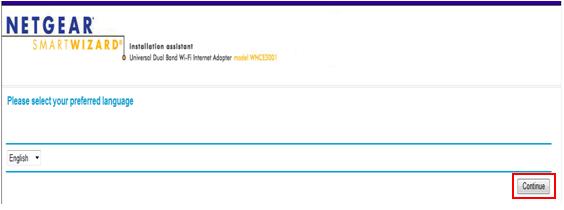
Open an Internet browser to start the setup page. It may take a few minutes but it should automatically bring up the Smart Wizard. If not, login to www.mywifiext.net or 192.168.1.251

Step 3:
Click Continue.
Step 4:
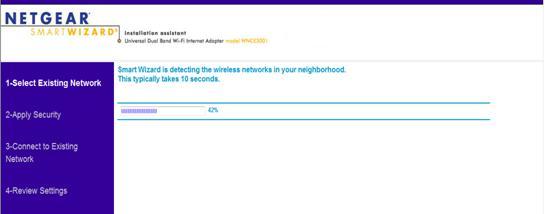
The Smart Wizard will search for wireless networks in range.
Step 5:
Select the network that you want to connect to then click Continue.
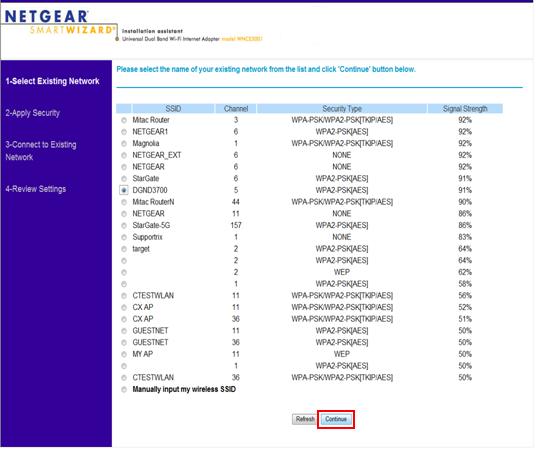
Step 6:
Type in the security key then click Continue.
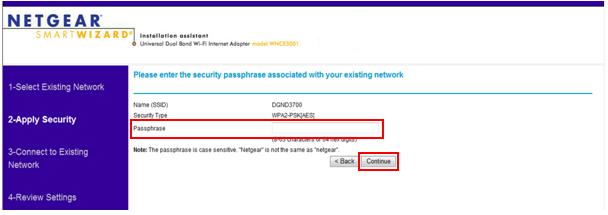
Step 7:
The NETGEAR Smart Wizard will try to connect to the wireless Network (it may take 2-3 minutes).
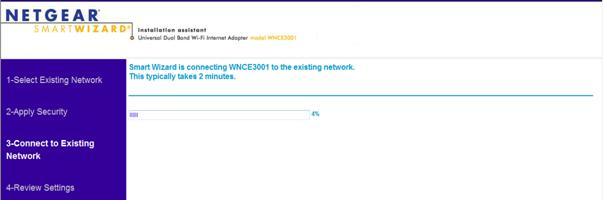
Note: Once successfully connected click Finish.
Step 8:
After the installation it will prompt you to save the Configuration page on your Favorites.
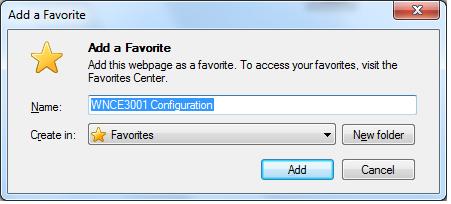
Step 9:
Click Yes.
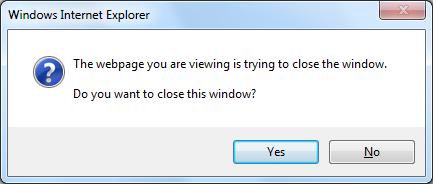
Step 10:
Once you have configured the WNCE3001, you can now disconnect it from your computer and connect it via Ethernet to your internet devices such as Internet TVs, XBOX, PS3, Blu-ray player, DVR, Tivo, or any devices with an available Ethernet port.