

- Download the WNA3100 Software Version 2.0.0.0 software to your computer, and unzip it: WNA3100 Software Version 2.0
- Remove WNA3100 drivers that were previously installed.
To uninstall, go to Start > Programs > NETGEAR WNA3100 adapter > Uninstall NETGEAR WNA3100 adapter . - Unplug the WNA3100 adapter from your computer.
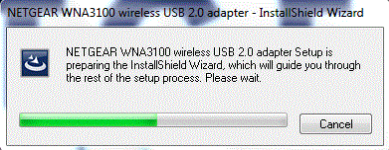
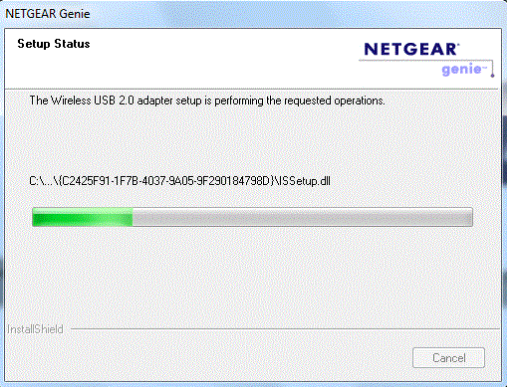
- Run the unzipped file that you downloaded in step 1, and follow the on-screen install instructions:
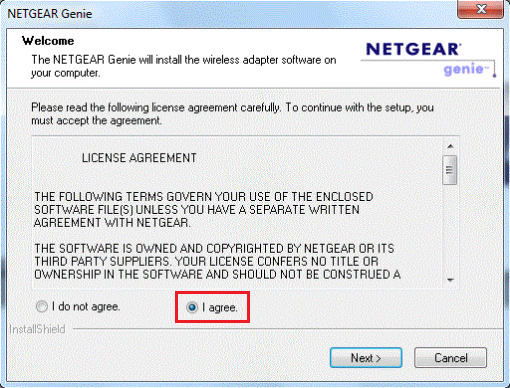
- Click I agree on License Agreement Window.
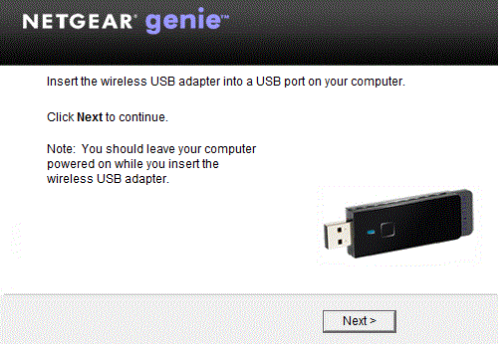
- Insert the WNA3100 USB Adapter into the computer's USB Port.
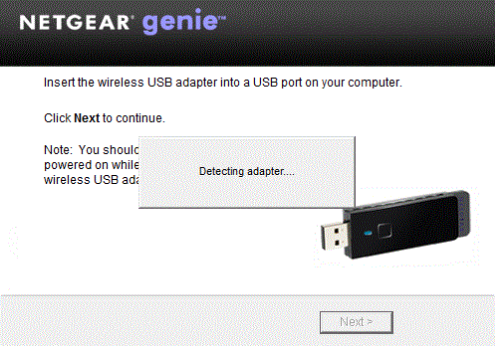
The WNA3100 Main Page will appear with 3 Menu tabs on the left side:
- Home
- Join a Network
- Other
To connect to a wireless network:
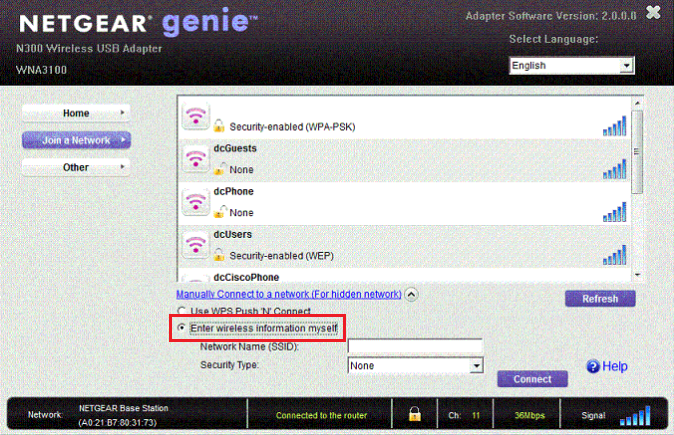
Click Join a Network to see the list of available wireless network to connect to.
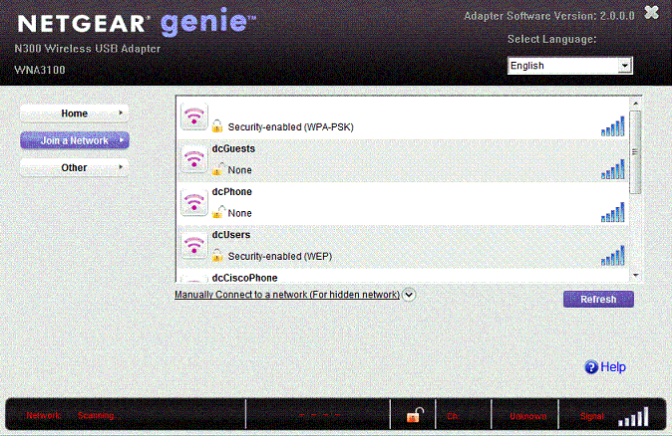
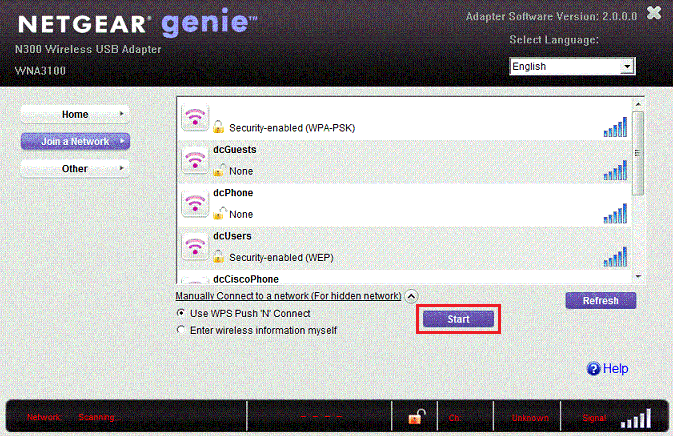
Highlight the Wireless Network (SSID) that you want to connect to and choose the mode of connection you want to use. You can select either Use WPS Push 'N' Connect or Enter Wireless information myself.
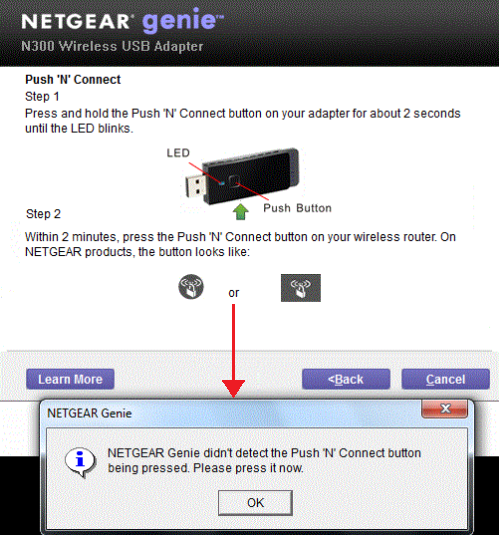
Use WPS Push 'N' Connect:
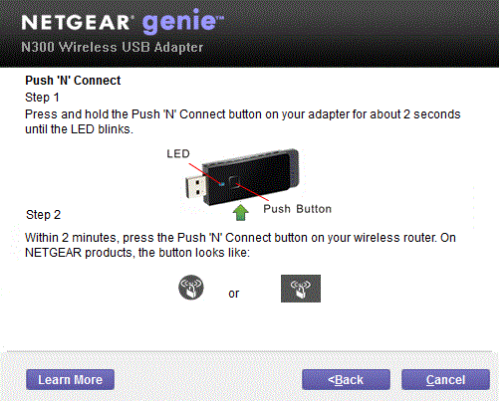
If the WPS Button was not pressed within 2 minutes, the window below will pop-up on the screen.
Enter wireless information myself:
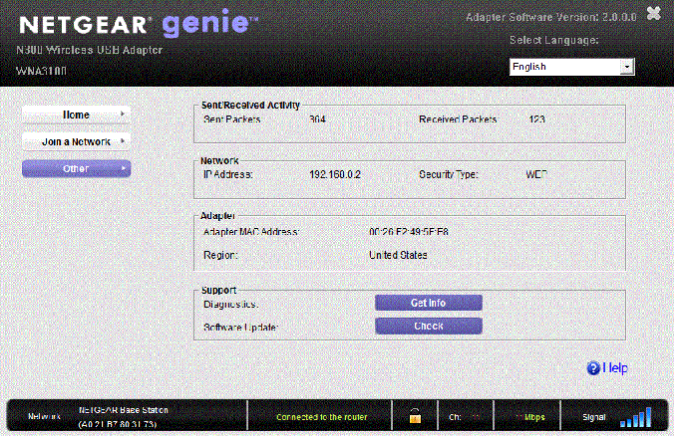
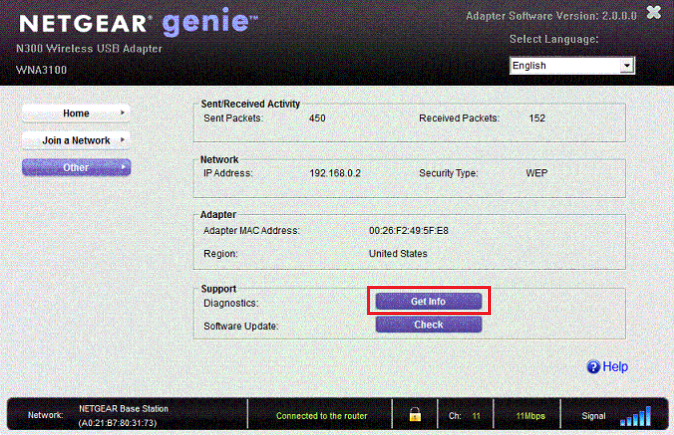
Click Other tab to find more information about the WNA3100.
Last Updated:07/07/2025
|
Article ID: 20605