

Once you have set up your router or gateway, you can connect most common USB storage devices and share the contents with other users (both wired and wireless) on your network. (If your USB device requires special drivers, it will not be compatible.)
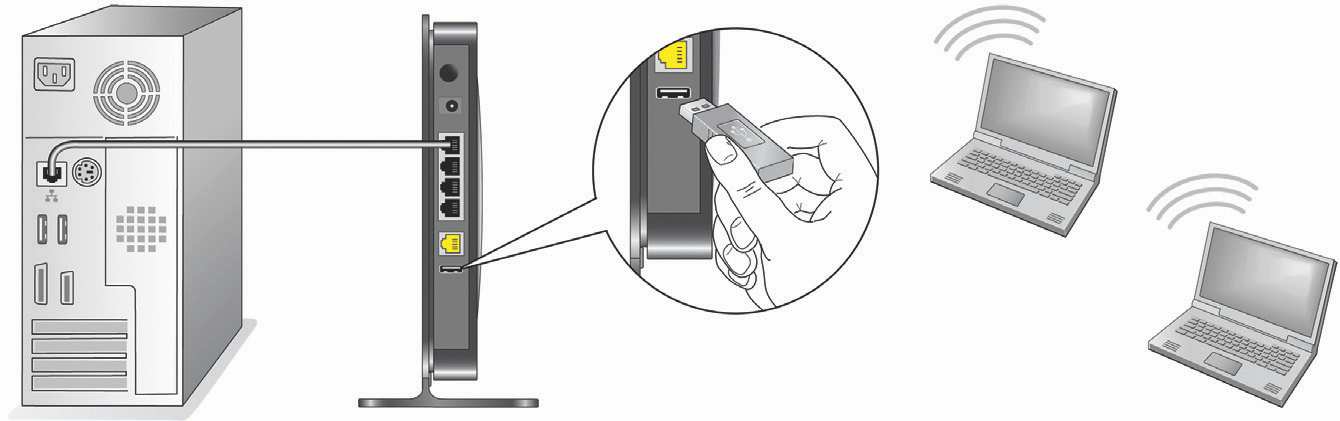
- You can access your USB device as follows:
On Windows systems, use any of these methods:- Select Start > Run and enter \\readyshare in the dialog box.
Click OK. - Open Explorer or Safari and enter \\readyshare in the address bar.
- Open My Network Places and enter \\readyshare in the address bar.
- Select Start > Run and enter \\readyshare in the dialog box.
On Mac systems, do this:
- Select Go > Connect to Server.
- Enter smb://readyshare as the Server Address.
- Click Connect.
Note: If your USB device requires a power supply, you must use it when connecting your USB device to a NETGEAR router or gateway. It may take up to 2 minutes before the USB drive is ready for sharing after it is connected to the router.
How to Video
Download:
 292 KB
Last Updated:07/07/2025
|
Article ID: 20088