

Symptom:
A Sony PS3 is unable to establish a wireless connection to a router, even though the NETGEAR WNCE2001 adapter is properly configured.
Solution:
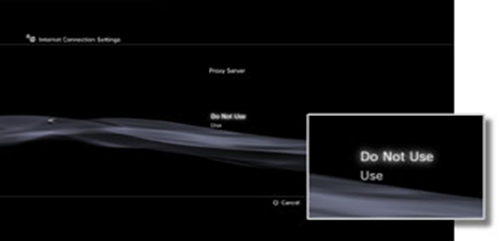
To resolve this issue, disable the Proxy Server on the PS3.
To disable the PS3 Proxy Server:
- Open the PS3 main menu and select Settings > Network Settings.
- Choose Internet Connection Settings (advance settings) from the list of Network Settings, select Custom, then choose Proxy Server from the list.
- On the Proxy Server screen, select Do Not Use to disable it.
Note: Menu options and screen appearance may differ by firmware. For support for your Sony PlayStation 3, please visit the Playstation Knowledge Center at https://support.us.playstation.com or contact Sony directly.
Last Updated:07/07/2025
|
Article ID: 17183