Enterprise AV Home WiFi Mobile Wifi Support Shop Deals
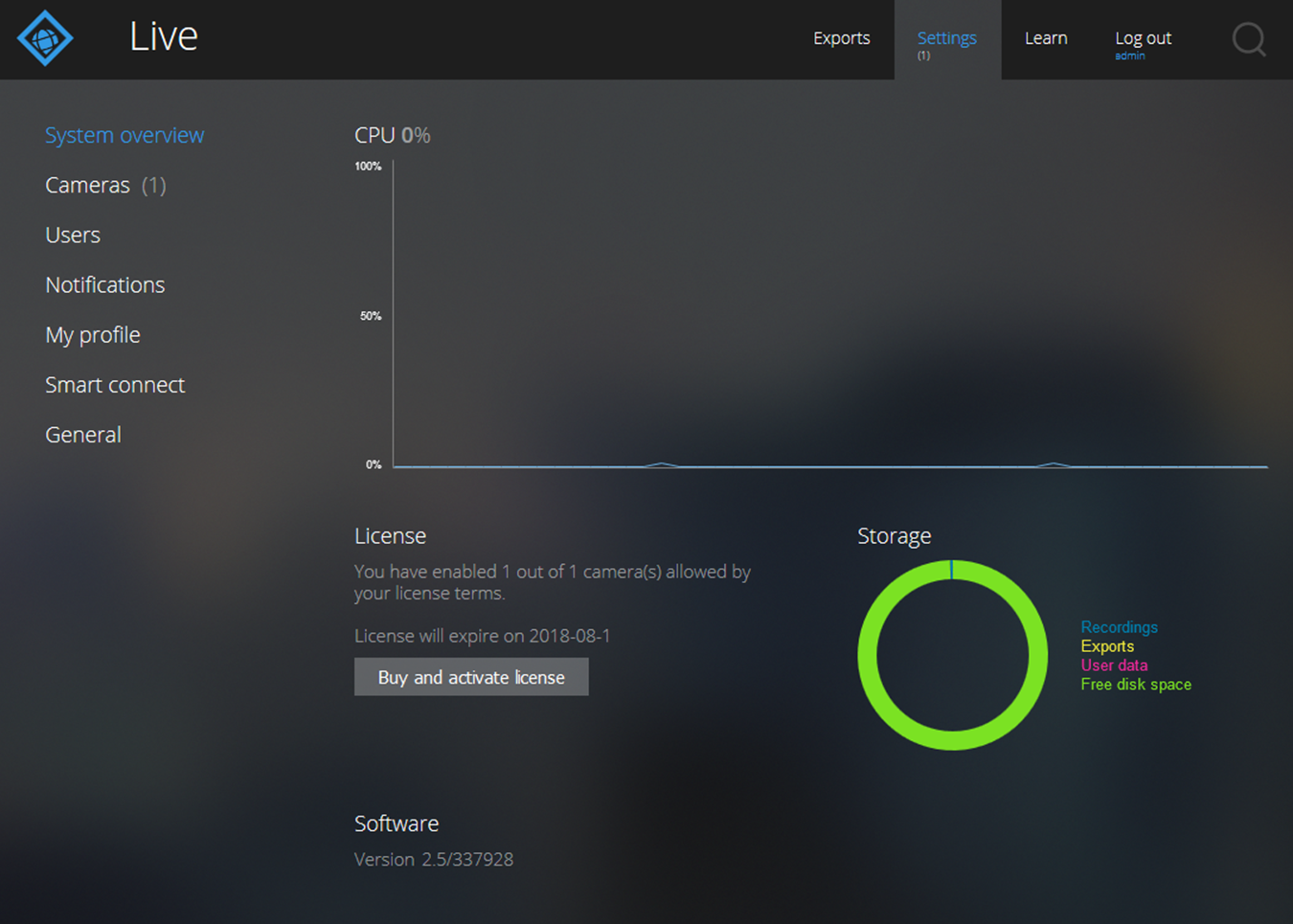
View CPU Usage, Storage Usage, and the Software Version

You can display general application settings such as CPU usage, storage usage, and firmware version.

To view CPU usage, storage usage, and the software version:

  1. Log in to the ReadyNAS.
  2. In the Apps section of the Overview page, click the Milestone Arcus Surveillance link.

    If the link does not display, click the Apps section heading.

    The Milestone Arcus login page displays.

  3. Log in by doing one of the following:
    • No user account exists. Click the Log in button.

    • A user account exists. Do the following:

      1. Enter your user name and password in the user name and password fields.
      2. Click the arrow button.

    The Home View page displays.

  4. Select Settings.


Last Updated:07/07/2025 | Article ID: 000053853

This article applies to:

Recently Viewed Articles

    Our team is here to help!

    Phone
    Chat
    Email