

Historically, Power Timer allows you to designate when your ReadyNAS should be on and when it should be off. There was never a setting to keep the unit off. In ReadyNAS OS 6.9, we added this enhancement.
From System > Power, enable Power Timer and click the settings gear.
The default/original Power Timer is known as State-based Power Timer. State-based Power Timer mandates a schedule for your ReadyNAS on when it should be turned on and when it should be turned off. This is designated by a blue box for the state ON.
The new Power Timer setting is known as event-based Power Timer. Event-based Power Timer mandates a schedule for your ReadyNAS on when it should power on or off the device. Any time not selected will keep the device in the last known state. This provides a flexibility for between powering on and powering off the device for different days. Additionally, it allows you to keep the device powered off instead of turning back on.
You can change between State and Event-based power timers as long as it is logical to make a direct switch. If it’s not possible to convert between unique power time schedules, you will receive a notification.
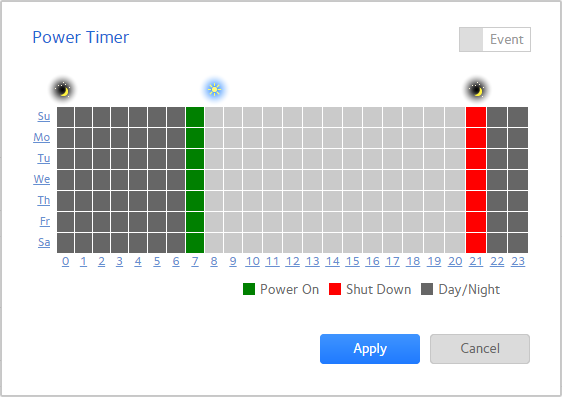
Event-based Power Timer
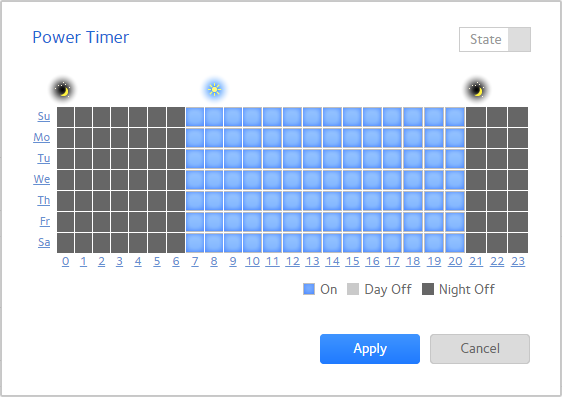
State-based Power Timer
