

Your satellite must be within range of your router’s WiFi signal for your satellite to sync with your router. Use the satellite’s ring LED(SRR60) or Bar LED(SXS80/SXS30) to help you place your satellite. For more information, visit What do the LEDs on my Orbi Pro devices mean?.
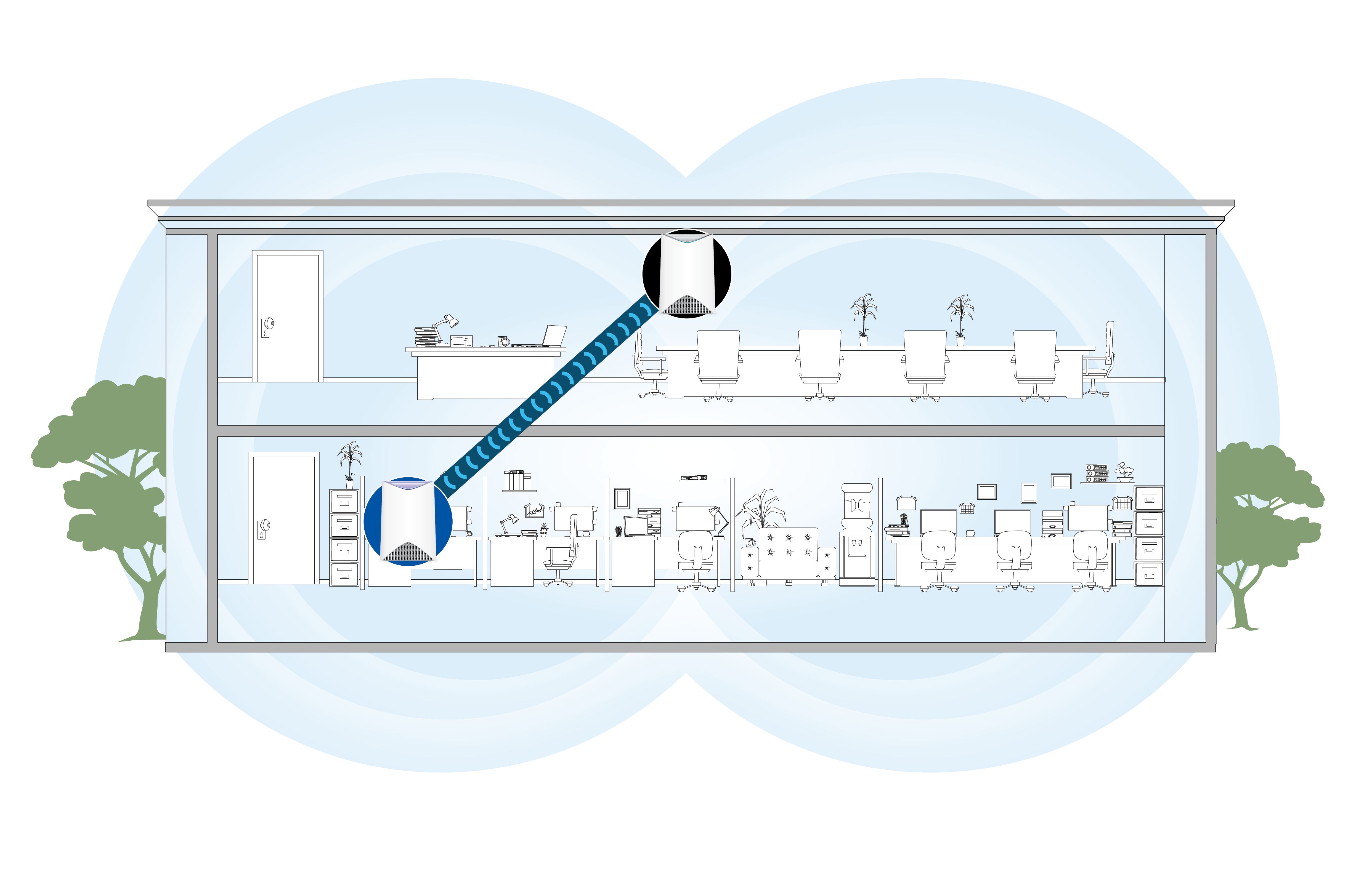
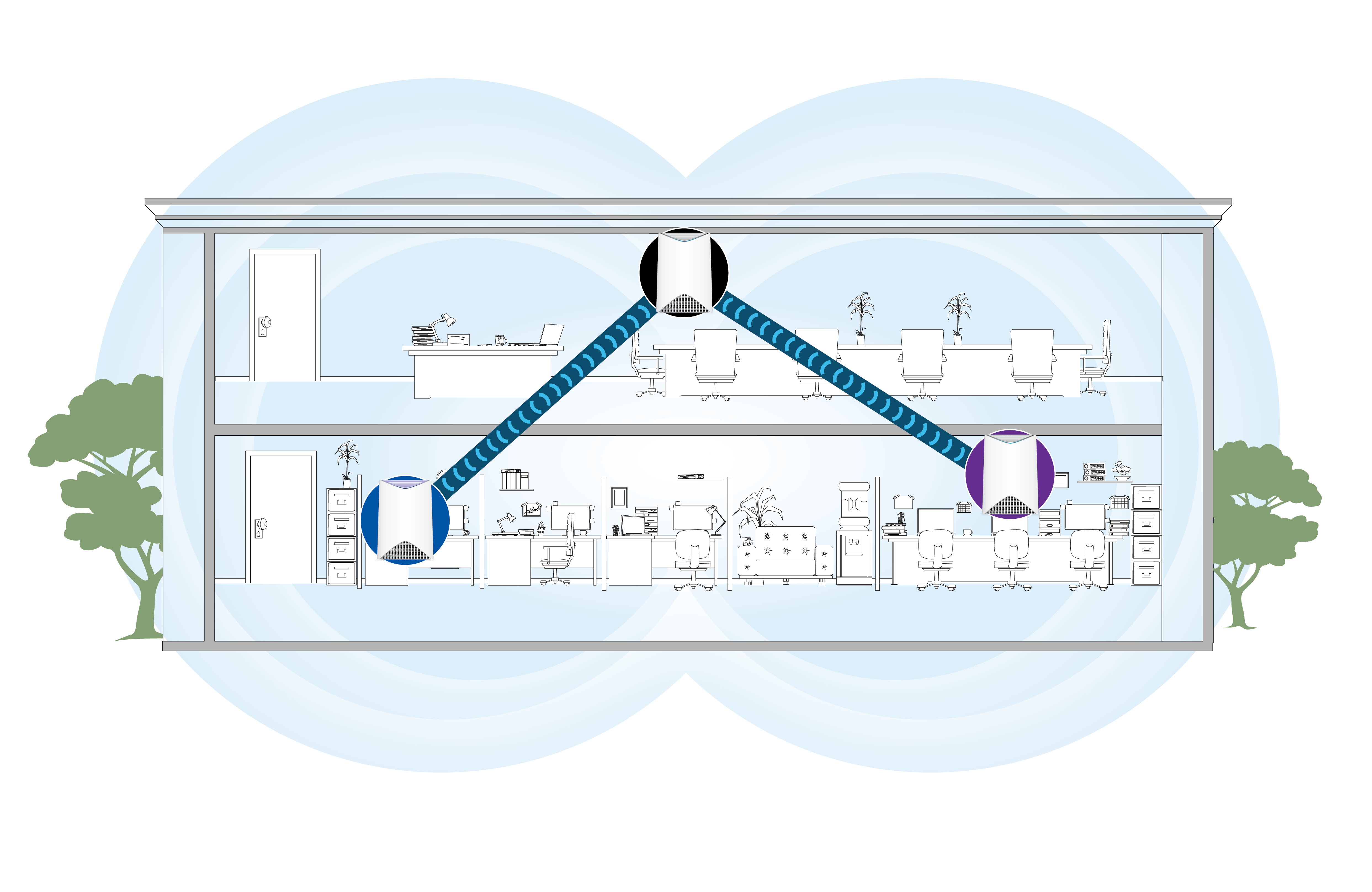
The following images show examples of where to place your Orbi Pro router and satellites.
The Orbi router is inside the blue circle, and the Orbi satellites are inside of the black and purple circles.
One Router and One Satellite
One Router and Two Satellites
You can view the signal strength between Satellite and its uplink by launching a web browser, entering orbilogin.com, and selecting Attached devices. Make sure the signal strength at the final deployment location is “good” or “excellent".
Last Updated:07/07/2025
|
Article ID: 000045858