

If you do not provide a DNS address when changing the IP configuration to static, or if the DNS server coming from your DHCP server is not available, the ReadyNAS will not be able to resolve hostnames. This will prevent Cloud services from functioning properly.
In ReadyNAS OS 6.6.0, there is now a warning when changing the IP configuration from DHCP to Static. It reminds users to add a DNS server, notating the fact that services may not work (including ReadyCLOUD).
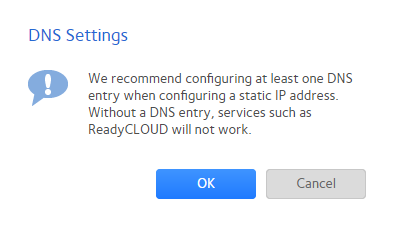
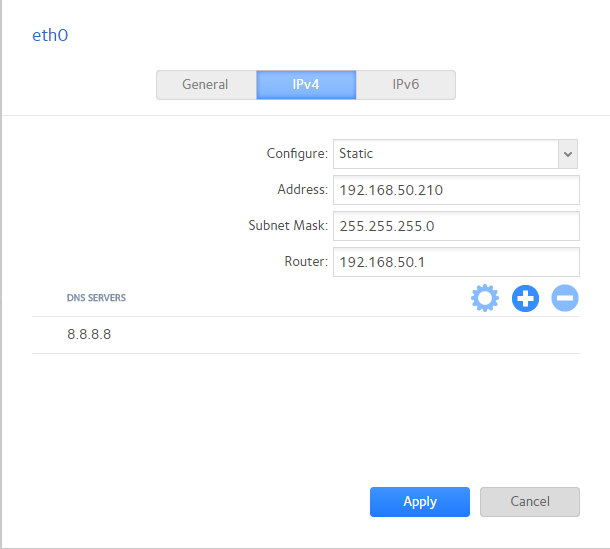
For the ReadyNAS to access the internet, configure an address, subnet mask, router, and a DNS address. If unsure of what DNS address to use, Google provides a set of public DNS addresses, though most times, a router also serves as a valid DNS server.
Last Updated:07/07/2025
|
Article ID: 000045844