

Your ReadyNAS System Logs may be requested by Community Moderators or NETGEAR Employees to help troubleshoot a problem.
Before sending logs, you should first create a thread on the NETGEAR Community (or contribute to an existing thread that is relevant to your issue). Please do not send logs unless instructed to do so by a Community Moderator or a NETGEAR Employee.
The method to download the logs depends on which firmware your ReadyNAS is using: ReadyNAS OS 6, RAIDiator 5, or RAIDiator 4.
Review the three options below and click the UI that matches yours.
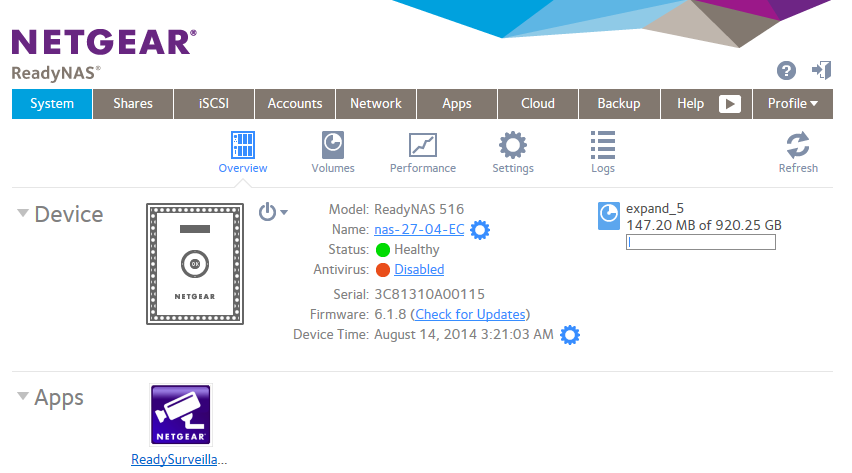
- ReadyNAS OS 6
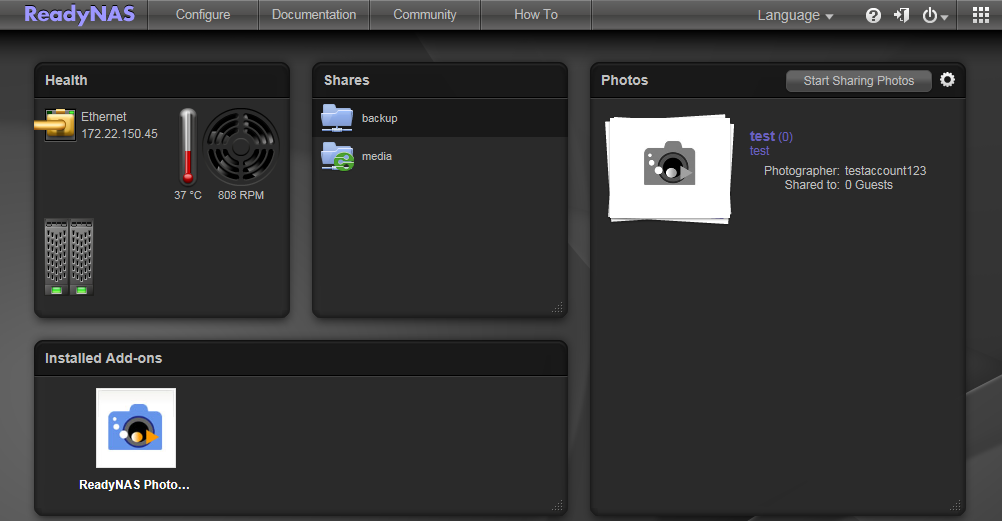
- RAIDiator 5
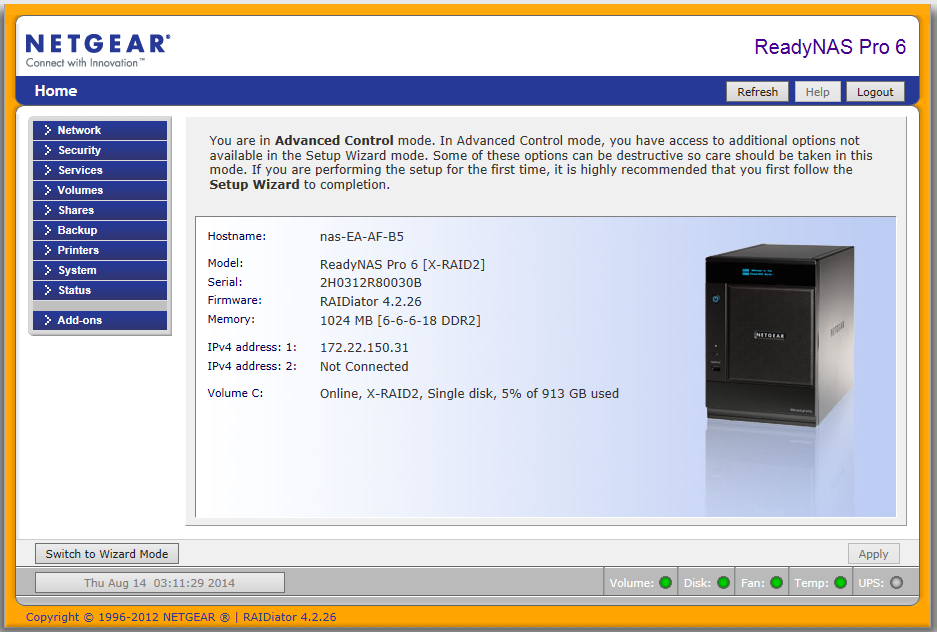
- RAIDiator 4
ReadyNAS OS 6
To download the logs:
- Open the web interface*.
- Go to System > Logs.
- Click the Download Logs button.
The Download Logs button is marked in red in the screenshot below.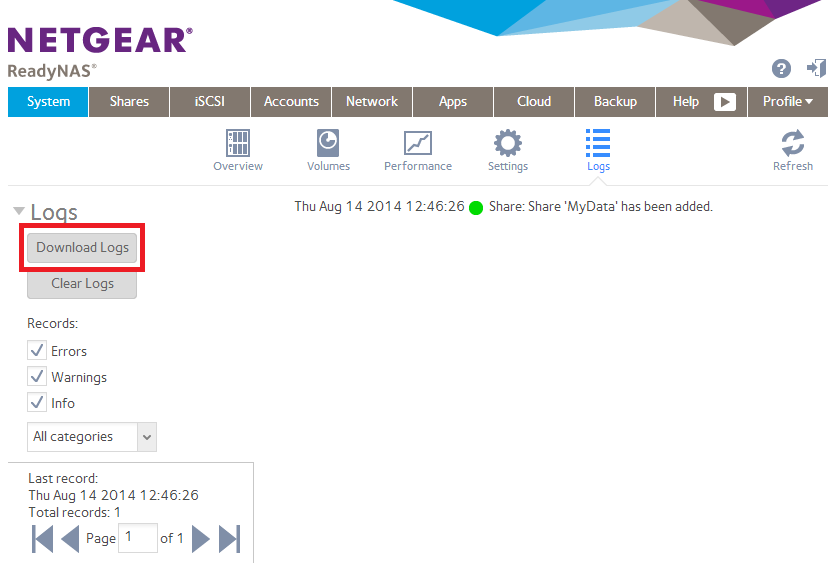
- When prompted, save the logs to your computer.
Send your logs to the moderators.
* If the web interface is unavailable and your ReadyNAS is running OS version 6.2.3 or newer, then you can use the Download logs button in RAIDar 6 (this can be downloaded here).
RAIDiator 5
To download the logs:
- Open the web interface.
- Go to Configure > System - Info.
- Click the Download Logs button.
The Download Logs button is marked in red in the screenshot below.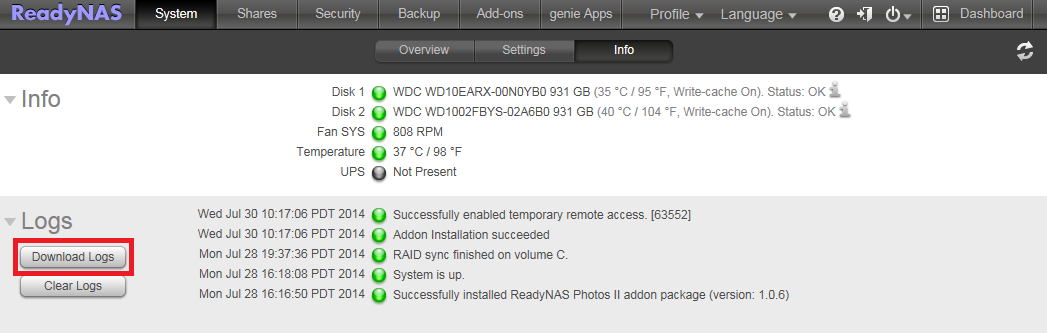
- When prompted, save the logs to your computer.
Send your logs to the moderators.
RAIDiator 4
To download the logs:
- Open the web interface.
- Go to Status - Logs.
- Click the Download All Logs button.
The Download All Logs button is marked in red in the screenshot below.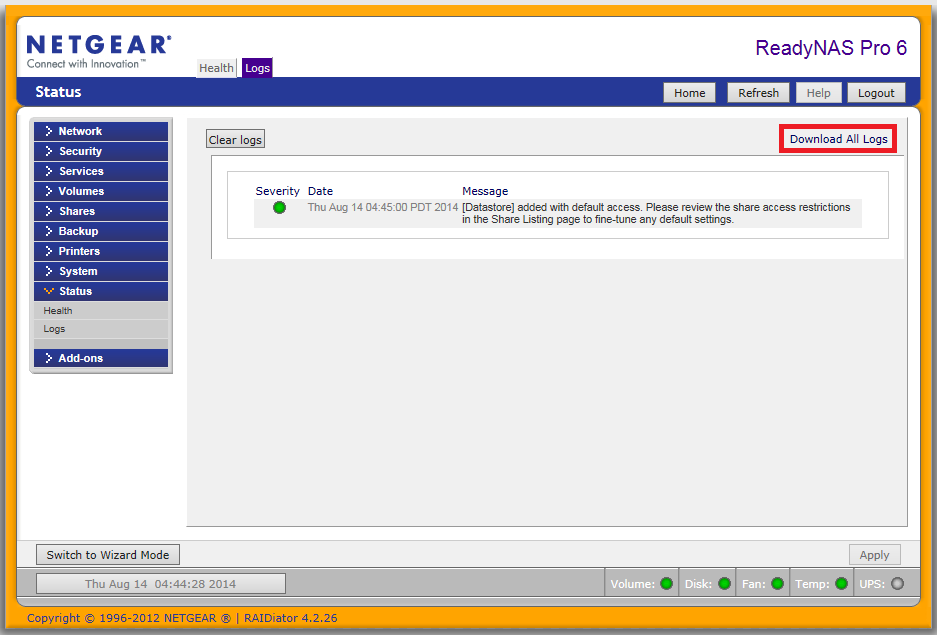
- When prompted, save the logs to your computer.
Send your logs to the moderators.
Sending your logs to the moderators
When prompted, save the logs and email them to nsbu_logs@netgear.com . Include a link to your post on the forum where you've described the problem. You can do this by highlighting the URL address in your browser address bar and pasting that to the body of your email. Without this, we may not know who the logs were from or what problem they refer to. Put a short description of the problem and “Attn:” to the ReadyNAS forum moderator handle in the subject line so that they can flag it easily. (Example: “Missing shares - Attn: mdgm”). Include your forum handle so we can track you down just in case the forum link fails.