

ReadyNAS and ReadyDATA storage systems and ReadyNAS and ReadyDATA software are end-of-life.
This article is for an older version of RAIDar, if you are looking for information on the new RAIDar client Click here
RAIDar is used to discover NETGEAR Storage devices on your local network.
RAIDar has been updated with a new interface and some additional functionality.
RAIDar versions are available for download from ReadyNAS Downloads. RAIDar 6.0 is independent from RAIDar 4.3.8, so users will not receive a request to update.
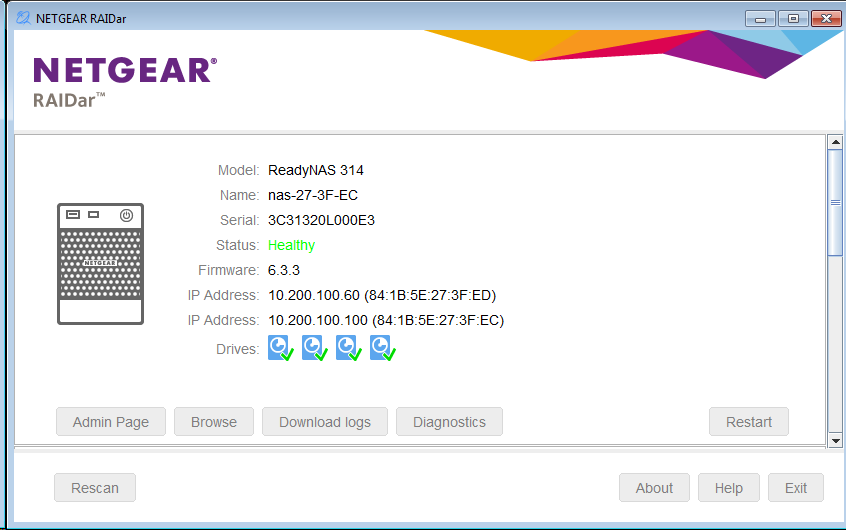
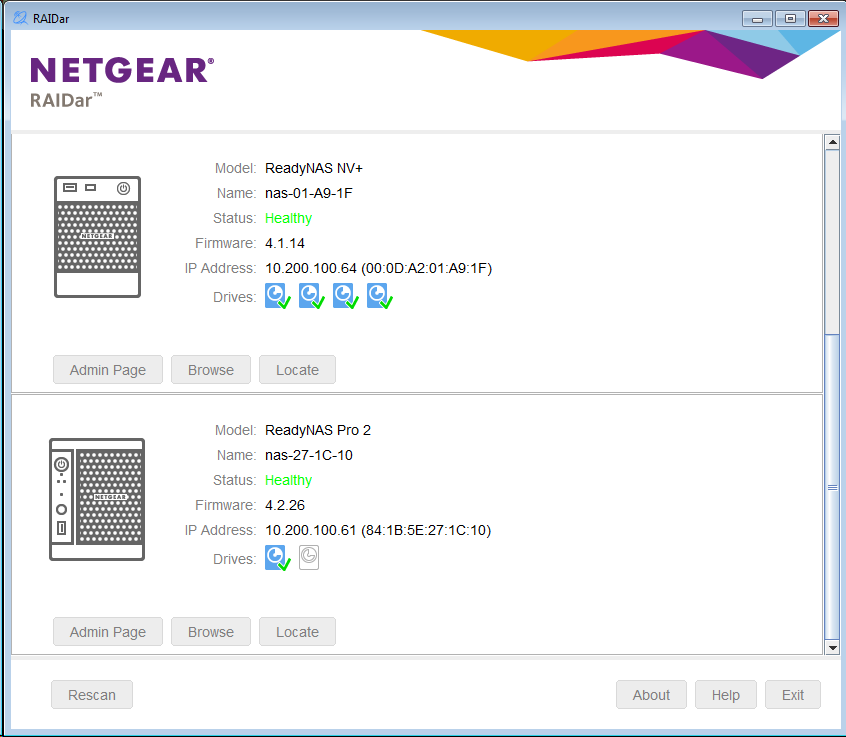
What's new in RAIDar 6.0?
- Interface has been updated to NETGEAR's latest branding.
- Admin Page appears instead of Setup when the device is already setup
- You can still setup RAIDiator 4.1, 4.2, and 5.3 boxes with RAIDar 6.0.
- Diagnostic Functions
- With RAIDar 6.0, you can now restart the device without accessing the web interface.
- You can download the logs in the event that the admin page is inaccessible.
- If your ReadyNAS is having a problem, you can run Diagnostics from RAIDar to find out what the device is doing.
- No more duplicate devices for each network interface.
- Previously in RAIDar 4.3.8, RAIDar showed one entry per network adapter. In RAIDar 6.0, we've combined the network interfaces into a single instance.
Note: When prompted, you may use your ReadyNAS admin username and password, or your ReadyCLOUD owner username and password (if configured)
Enabling Secure Diagnostics Mode on ReadyNAS OS 6 from RAIDar
In order to use RAIDar to start Secure Diagnostics Mode when the web interface is not accessible, you can click on the ReadyNAS image 5 times to reveal a hidden Remote Support button.


